
Free DAP Note Generator for Therapists
A free DAP note generator built for therapy sessions, private practice, group work, and skills-led care. Draft Data, Assessment, and Plan from live sessions. Ten notes each month, no credit card, clinician review before signing.
What is actually free
A working DAP tool, not a 14-day countdown.
The free DAP note generator is a permanent tier for therapists who want to test the format on real clinical workflow before upgrading. You get ten AI-generated DAP notes per month, no watermark, and the same live-session drafting engine used on paid plans.
- ✓ 10 AI-generated DAP notes per month, every month
- ✓ DAP as the default format, with SOAP, BIRP, and GIRP available
- ✓ In-session transcription from a live browser session
- ✓ Edit, sign, export to PDF, or copy into your EHR
- ✓ No watermark on exported notes
- ✓ No credit card required to start
- ✓ Free-plan use for evaluation, training, or non-PHI contexts when your practice needs a BAA first
BAA note: the free plan does not include a Business Associate Agreement. If your covered entity needs a BAA before any PHI is processed, use the free plan only for evaluation, training, or non-PHI contexts until the agreement is in place.

DAP built for therapy
Built around the data-to-reasoning thread.
DAP collapses the subjective and objective into a single Data section, so the clinical weight moves into Assessment and Plan. That makes the format a good fit for private practice, ongoing psychotherapy, CBT and ACT work, and any caseload where you trust your own observation discipline and want a faster note that still ties intervention to reasoning.
What the client reported and what you observed, combined into one section. Presenting concern, affect, behaviour, symptoms, and relevant safety information, kept tight and clinically relevant rather than padded.
Your clinical interpretation of the data, tied to a treatment goal. Progress toward objectives, the working hypothesis, risk reasoning, and the why behind the next care step. This is the load-bearing section of a DAP note.
The intervention delivered, between-session tasks, coordination, risk follow-up, and the focus for the next session. The plan should connect directly to the assessment so the note reads as one clinical thread.
If you want the clinical reasoning behind the three sections, read the DAP notes guide. If you are deciding whether DAP, SOAP, or BIRP fits a caseload better, use the BIRP vs SOAP vs DAP comparison.
From session to signed note
Three steps from live session to edited DAP draft.
Sign up free
No credit card. Choose DAP as your default format, pick the modality language that fits your work, and start with a practice session if you want to test the flow first.
Run the session
Open a live therapy session in the browser, enable the microphone, and work normally. Emosapien listens in the background without interrupting the therapeutic frame.
Review the DAP draft
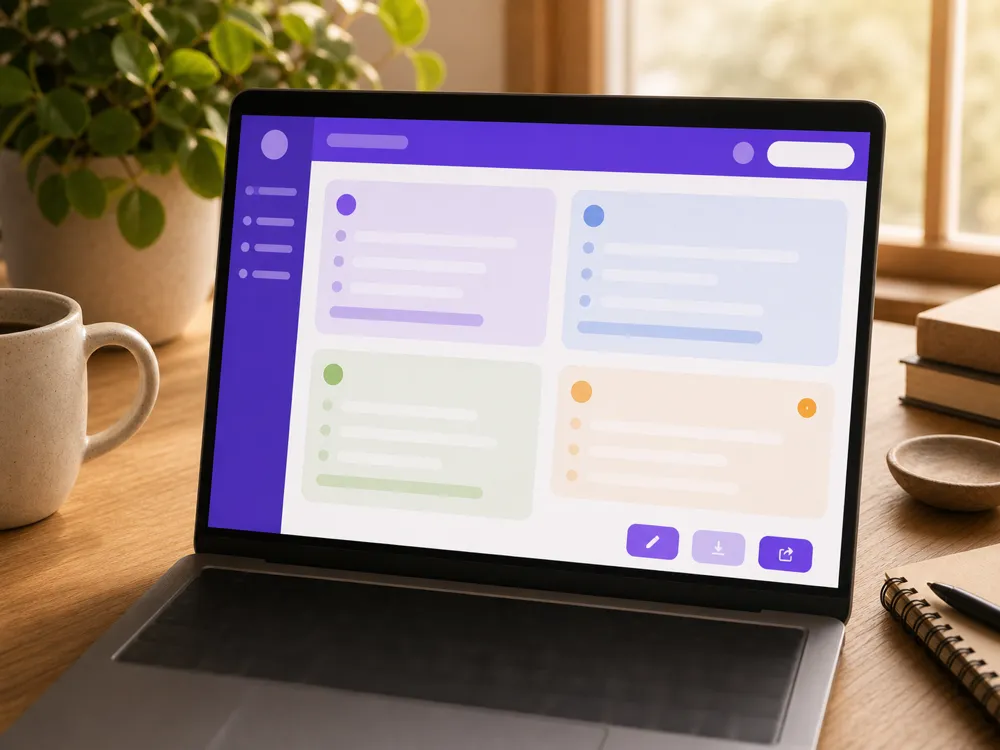
When the session ends, read the Data, Assessment, and Plan sections. Edit, sign, export, or copy into your EHR. Your license is on the line when the note goes into the chart, so review every section before signing.
Free vs paid, plainly
What the free DAP tier does, and what it does not.
The free DAP note generator runs the working clinic loop. Live session transcription, DAP drafting, format switching, editing, and export. Paid plans are for clinics that outgrow that loop. Unlimited notes, BAA, integrations, audio backfill, Planning Agent continuity, and multi-clinician controls.
| Capability | Free plan | Paid plans |
|---|---|---|
| AI-drafted DAP notes | 10 per month | Unlimited |
| DAP as the default note format | Included | Included |
| SOAP, BIRP, and GIRP available alongside DAP | Included | Included |
| In-session transcription | Included | Included |
| Edit, sign, export, or copy | Included | Included |
| Business Associate Agreement (BAA) | Not included | Professional and Enterprise |
| Direct EHR integrations | Manual export | Included where available |
| Audio backfill from past sessions | Not included | Included |
| Planning Agent continuity | Not included | Included |
| Multi-clinician practice features | Not included | Professional and Enterprise |
Free DAP support, Emosapien vs the alternatives.
The comparison below is limited to the free-tier and DAP-format capabilities a therapist can evaluate before committing to a paid documentation workflow.
| Free-tier capability | Emosapien | Upheal | Mentalyc | Blueprint |
|---|---|---|---|---|
| Ongoing free tier with DAP support Monthly free note generation rather than only a short trial window | Fully supported | Partially supported | Partially supported | Not available |
| No card required to evaluate the note flow A therapist can try the workflow before adding payment information | Fully supported | Partially supported | Partially supported | Not available |
| DAP plus SOAP, BIRP, and GIRP in the same account Switch format per client or program without changing tools | Fully supported | Not available | Not available | Not available |
| Live browser transcription on the free tier Draft from a live therapy session rather than only an upload workflow | Fully supported | Not available | Not available | Not available |
| Therapy-specific format framing Progress-note structure for psychotherapy, group work, and skills-led care | Fully supported | Partially supported | Partially supported | Partially supported |
Format family
Use DAP when you want speed without losing the reasoning.
DAP is not the right call when a payer or supervisor requires the explicit Subjective and Objective split. Use SOAP for those charts. For the full format map, see the clinical documentation hub, and for the SOAP default, use the free SOAP note generator.
Emosapien drafts the DAP note. You own the clinical judgment and the signed record.

DAP keeps my notes fast because the Data section is one block, not two. Emosapien drafts all three sections, then I sharpen the Assessment wording before I sign.
Frequently asked questions
Yes. The free DAP note generator includes 10 AI-generated DAP notes per month, every month, with no credit card required. It is a permanent free tier, not a short trial.
It drafts the three DAP sections: Data, Assessment, and Plan. The Data section combines what the client reports and what you observe. The draft is meant for clinician review. You edit and sign the final note according to your license, payer rules, and clinic policy.
Yes. DAP can be your default, and you can switch to SOAP, BIRP, or GIRP per client or per session when a supervisor, program, or payer expects another format.
If your practice creates, receives, maintains, or transmits PHI through Emosapien as a HIPAA covered entity, you need a Business Associate Agreement first. The BAA is on paid plans. The free plan is best for evaluation, training, or non-PHI contexts when a BAA is not yet in place.
AI note generation pauses for the rest of the month. Your account does not lock, and your existing drafts remain available to edit and export. The 10-note limit resets each month, or you can upgrade for unlimited notes.
Yes. Emosapien drafts the three DAP sections. You review every line, edit anything that does not match the session, and sign. The chart record is yours.